
Controlant Go: simplified monitoring
Keep your process. See the whole journey
Pre-configured and started with one button, as easy as the passive logger you use today. Here is what changes.
1. Packing
With a passive logger: Did anyone start it?
Did anyone start it?
With Controlant Go
You can see it started
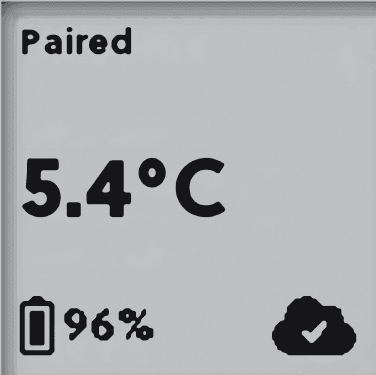
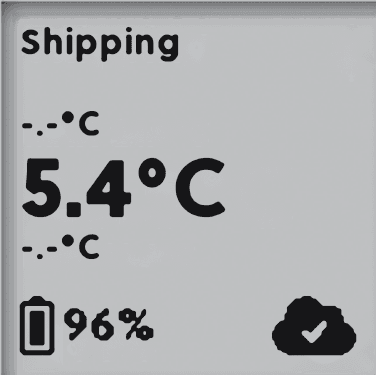
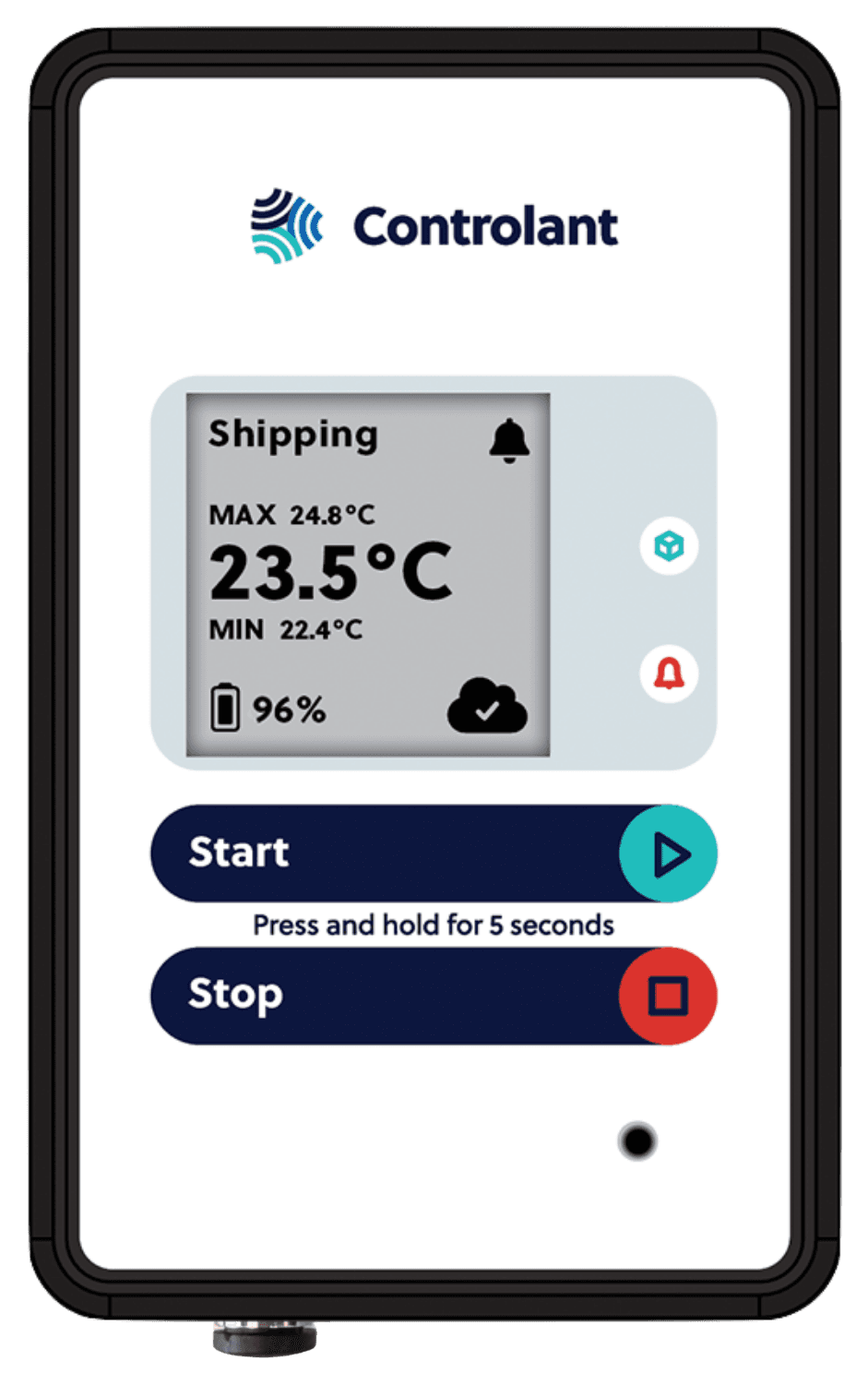
Hold START for 5 seconds and the screen changes from Paired to Shipping. The shipment shows up live from the first reading.
2. In transit
With a passive logger: Silent the whole way
Silent the whole way
With Controlant Go
Reporting the whole way
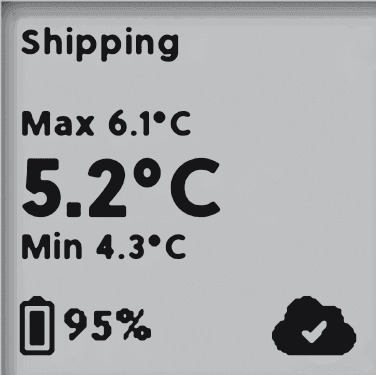
Readings arrive over the cellular network in transit, so you see an excursion while you can still act.
3. Arrival
With a passive logger: A cable and a PC
A cable and a PC
With Controlant Go
Press stop, scan the QR
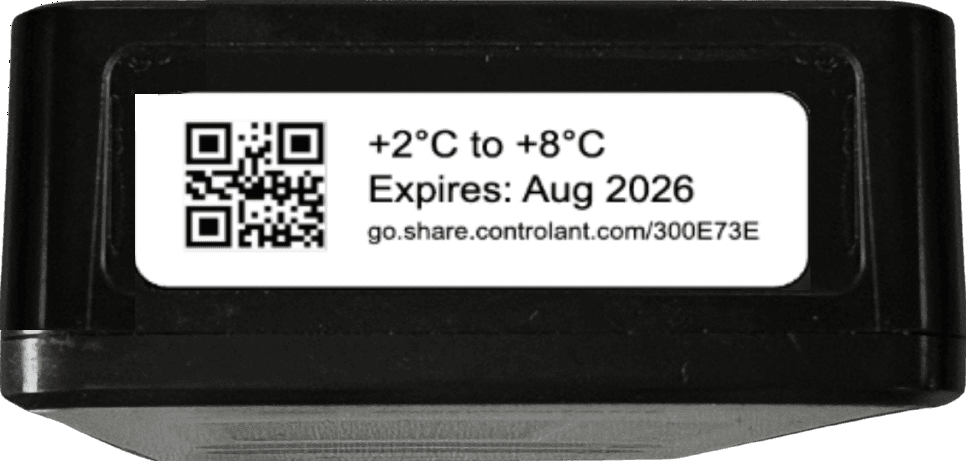
Press STOP and the data goes to the cloud. Scan the QR on the label and the quality report opens on any phone or tablet.
4. Release
With a passive logger: Days of investigation
Days of investigation
With Controlant Go
Released, or flagged for review
A shipment with no excursion shows Released. One with an excursion shows Undecided, with the full temperature record in the report.
5. Sharing
With a passive logger: Files by email
Files by email
With Controlant Go
One link
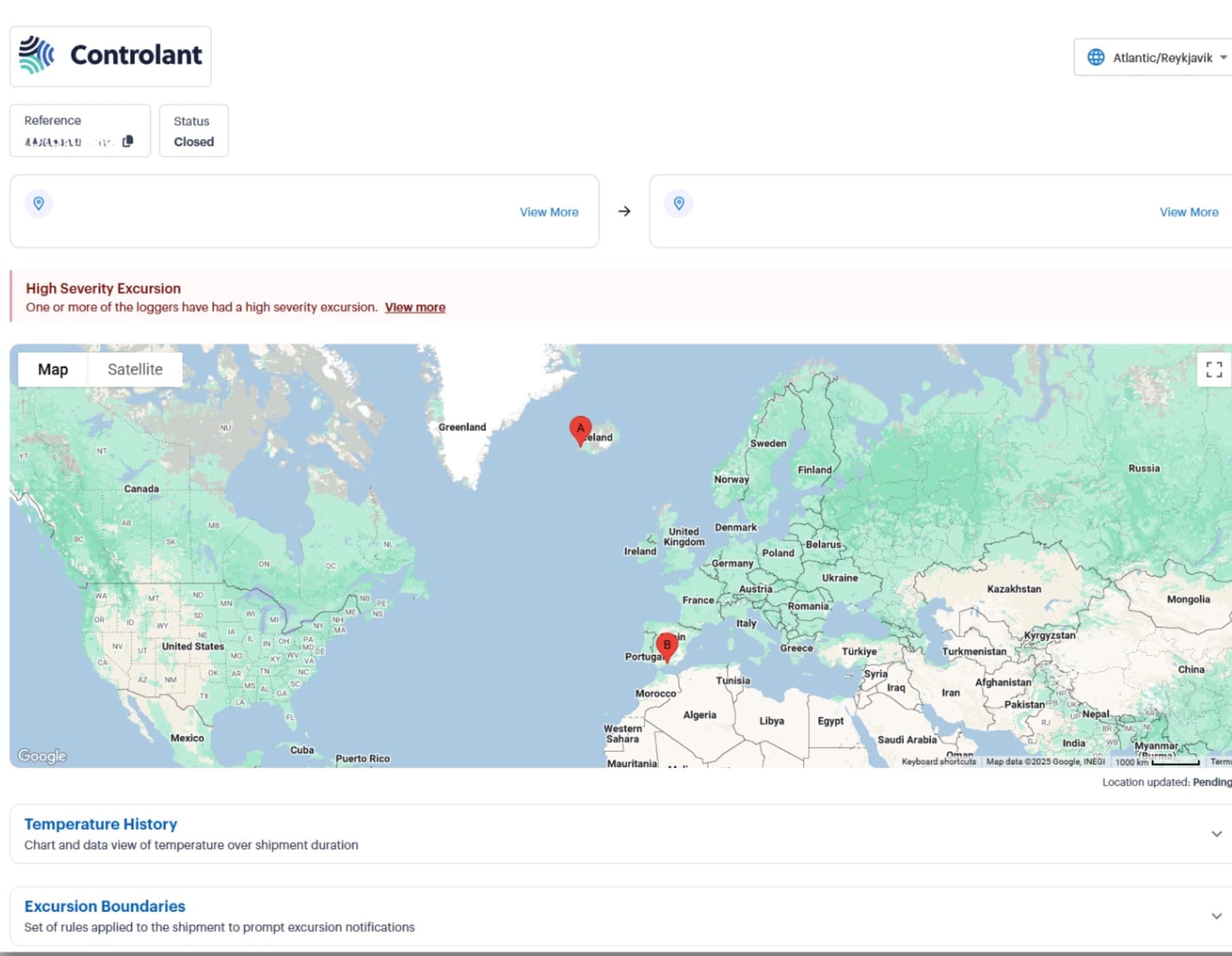
Share live tracking with one click. Anyone with the link sees the shipment status, with no account and nothing to install.
How it works
Devices arrive pre-configured, calibrated, and charged. Attach, press start, ship.
- 1
Step 1 of 4
Start
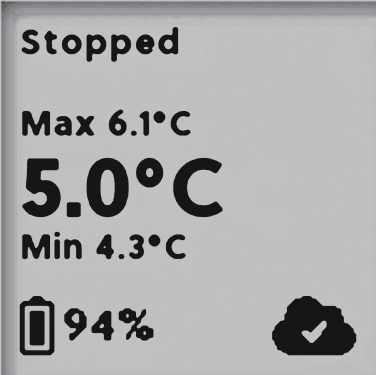
Attach the device and press START.
Hold the button for 5 seconds. The status on the screen changes from Paired to Shipping, and the shipment is being watched. Alarms become active after 30 minutes.
 From Paired toShipping
Nothing else to do. No software to open, no USB cable, no training.
- 2
Step 2 of 4
Share
Share real-time shipment tracking with one click.
Anyone with the link sees live status, with no account and nothing to install.
 One link, any browserlive
go.share.controlant.com/300E73E6
- Where it is
- Temperature history
- Excursion boundaries
Nothing else to do. No login for the people you send it to.
- 3
Step 3 of 4
Stop
Press STOP on receipt.
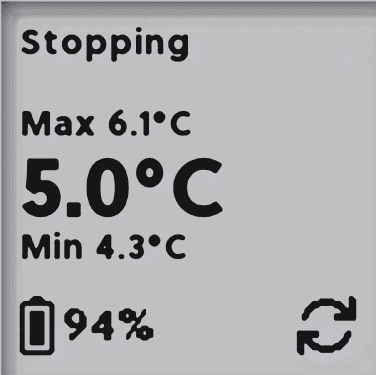
Hold the button for 5 seconds. The quality report goes straight to the cloud, with no USB uploads and no manual steps.
- thenStopping
- andData to the cloud
- andReport ready
Nothing else to do. No USB uploads. No manual steps.
- 4
Step 4 of 4
Scan
Scan the QR code to release the product in seconds.
Any phone or tablet opens the Share Portal from the device label. As a backup, type the URL into a browser.
Quality status
Released
No excursion on the way.
The product is cleared in seconds, from the report on your phone.
Quality status
Undecided
An excursion on the way.
The shipment waits for your review, with the full temperature record in the report.
The report and the share view remain accessible for 30 days after delivery.
Nothing else to do. A phone camera is the reader: nothing to install.
Go gives you 21 CFR Part 11 audit trails with nothing to install
No implementation
Devices arrive pre-configured, calibrated, and charged: attach and press start.
Instant quality reports
Press stop, scan the QR, get the quality report immediately. No USB uploads. No manual steps.
Zero training
Your team is ready: they just press a button and scan a code.
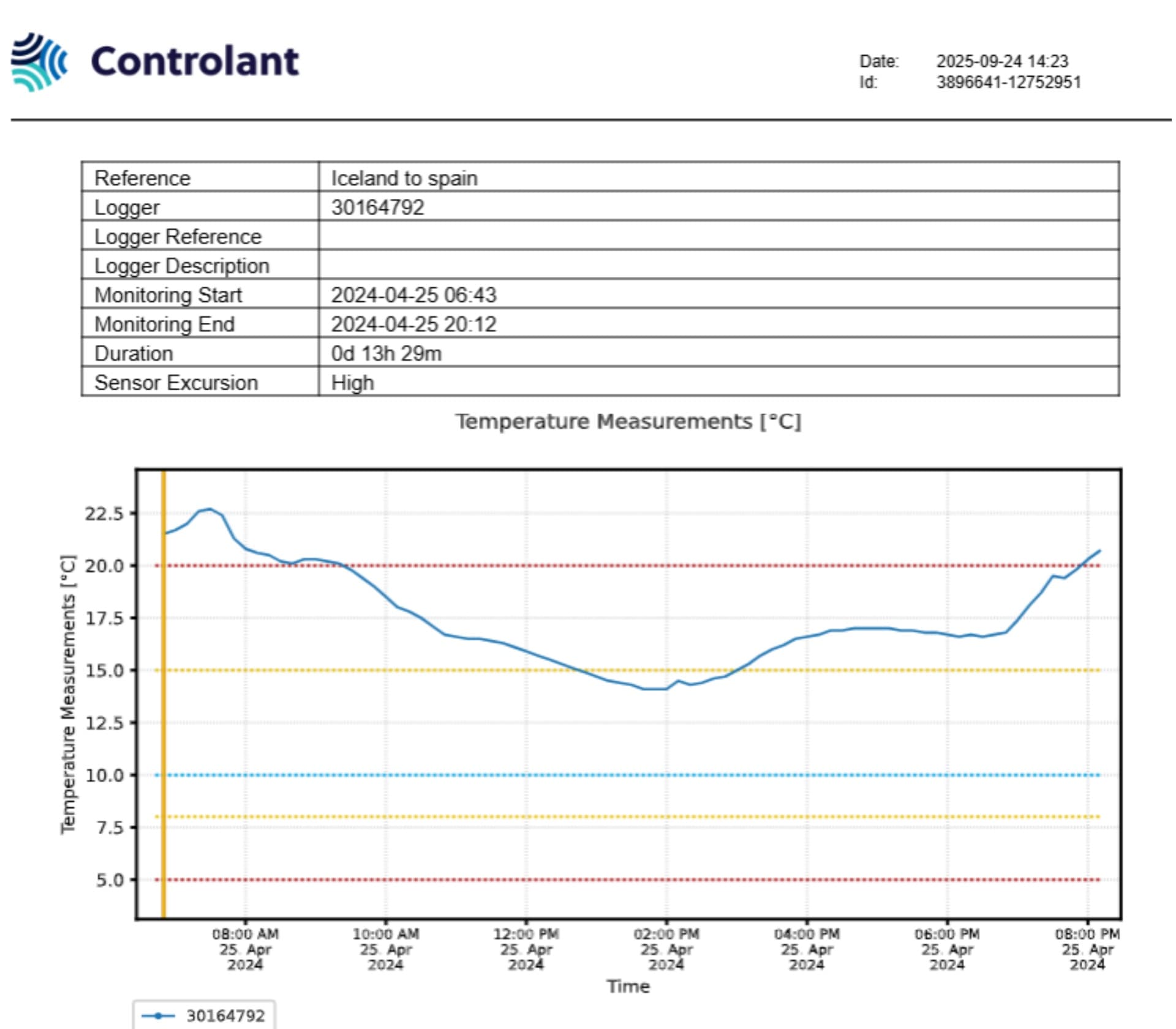
The quality report
Scan the QR code and the quality report is ready in seconds. It stays available for 30 days after delivery.
Specifications
- Devices
- Pre-configured, calibrated Saga devices
- Device figures
- Range, accuracy, and battery per model, on the Saga devices page
- Connectivity
- 4G / 3G / 2G, global
- Audit trail
- 21 CFR Part 11 and EU GMP Annex 11
- Pre-configured ranges
- 2 to 8 °C, 15 to 25 °C, 2 to 25 °C
Step-by-step instructions for using a Controlant Go device are published in the Support Center.
Controlant Go starter pack
Try Controlant Go on two shipments
We send two pre-configured Saga devices, free of charge, and confirm the details with you before anything ships.
Want to try it on two shipments?
Tell us where to send it and we will ship you a Controlant Go starter pack: two pre-configured Saga devices, free of charge. We review the details and confirm them with you before anything ships, and the devices arrive ready for real-time monitoring straight out of the box.