
The Controlant App
Connect the right device to every shipment, in seconds
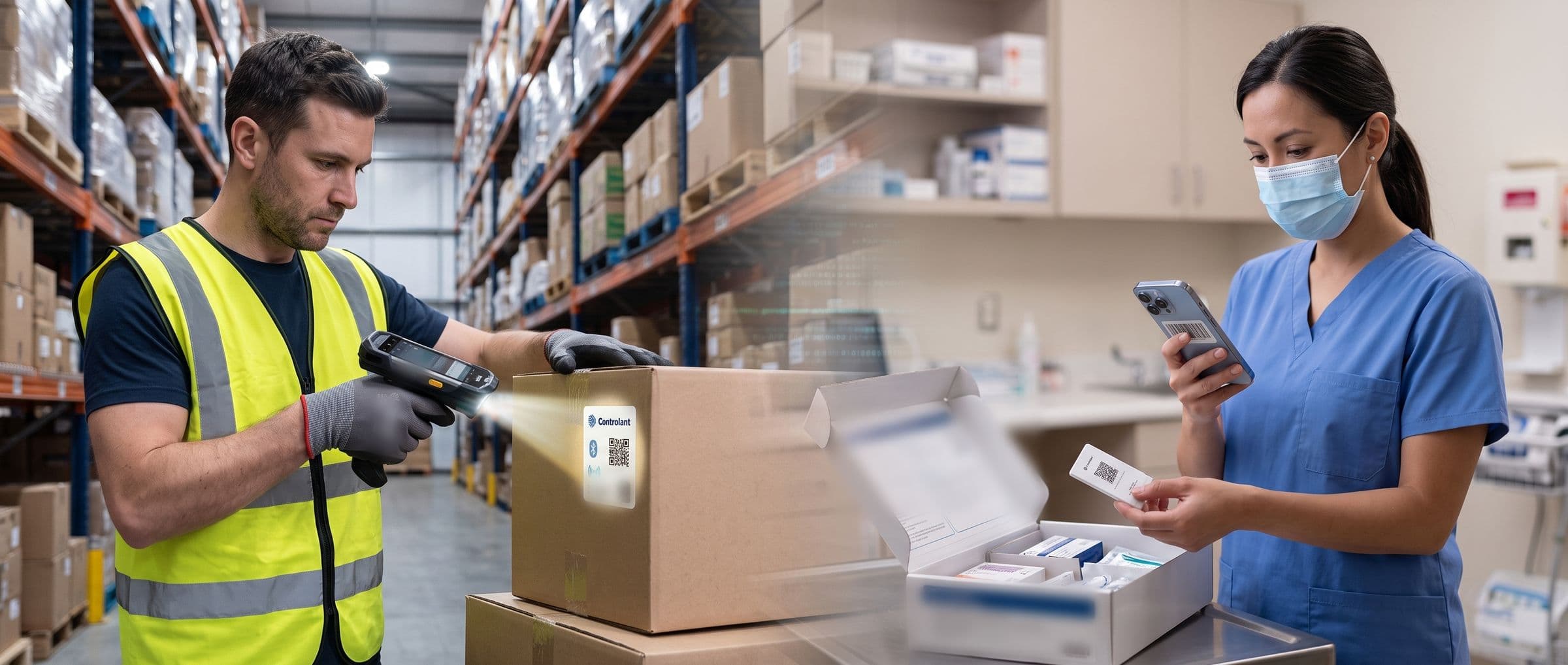
With the Controlant App, the person packing the shipment scans it and the monitoring device that goes with it. From then on, the shipment is monitored all the way.
The daily job
Scan the shipment, scan the device, and it’s ready to go
Shipments come in from your ERP or a similar system, ready to be picked up: scan the shipment, scan the device, mark it ready and press start, all on the phone or handheld you already have. Every device can be managed in the app, too.
Templates
The right settings for every kind of shipment
A template holds the settings for one kind of shipment: what the device senses, how often it reports, and when it alerts you. Pick a pre-defined template, usually made in the SCM Platform, or set the job up manually in the app.
The app is built to support the Saga devices, every Saga Card use case, and partner devices.
Commercial and clinical supply chains
The app supports operators across the entire shipment journey

Warehouse
or clinical depot
Assign the job
Pair the device, check it is fit for use, and assign its job.

Dock
or pharmacy
Hand over custody
Record the change of custody as the shipment passes to the carrier.

In transit
or courier
Act on alerts
When an excursion alert comes in, the people responsible can act while the shipment is still moving.

Receiving site
or clinic and patient
Approved on arrival
Delivery and quality status are confirmed and the release documentation reviewed, wherever it is received.
Flexible pairing that fits your setup
The app pairs each device to its job by QR code, NFC, BLE, or RFID, depending on the device. The operator's steps stay the same.

Scan a code
Scan the QR code on the device's label with a handheld's built-in scanner or a phone camera, or type the code in.

NFC
Hold the phone near the device. The app reads it and pairs it, with nothing to line up.

BLE
The app lists the devices in range over Bluetooth Low Energy. Choose the one in your hand.

RFID
On a handheld with an RFID reader, the app reads the device's tag when it comes into range.
Illustrations of the app’s pairing steps · illustrative data
Questions about the Controlant App
Do I need a gateway, a scanner or a site installation to use the Controlant App?
No. The app runs on a phone from the App Store or Google Play, or on a handheld device with a built-in barcode scanner. There is no gateway to install and no site installation.
Which devices does the Controlant App work with?
The Saga devices (Saga-P Standard, Saga Arctic, Saga Dry Ice, and Saga Cryogenic), Saga Card (in pilot from Q1 2027), and partner devices, all through the same operator steps. The operator pairs the device, checks it is fit for use, and assigns its job in the app.
How is a device paired to a job?
By scanning its code, or over NFC, BLE, or RFID, depending on what the device supports. The job's settings (what the device measures, how often it reports, and what triggers an alert) are chosen before it starts.
Where is the Controlant App user manual?
In the Controlant Support Center, at support.controlant.com, under the SCM App user manual.
See it working
Bring a use case and we will configure it in the app in front of you.